Alert Fatigue in Exchange Monitoring: When More Alerts Mean Less Visibility

In the previous article, we looked at why an "all green" dashboard doesn't guarantee a healthy...


In the previous article, we looked at why an "all green" dashboard doesn't guarantee a healthy...

Exchange Managed Availability: your server monitors itself, and nobody is watching.
You know the moment; your built-in monitoring dashboard shows no warnings. Everything is green. No alert, no ticket. And then someone from the business calls because email has been down for an hour.
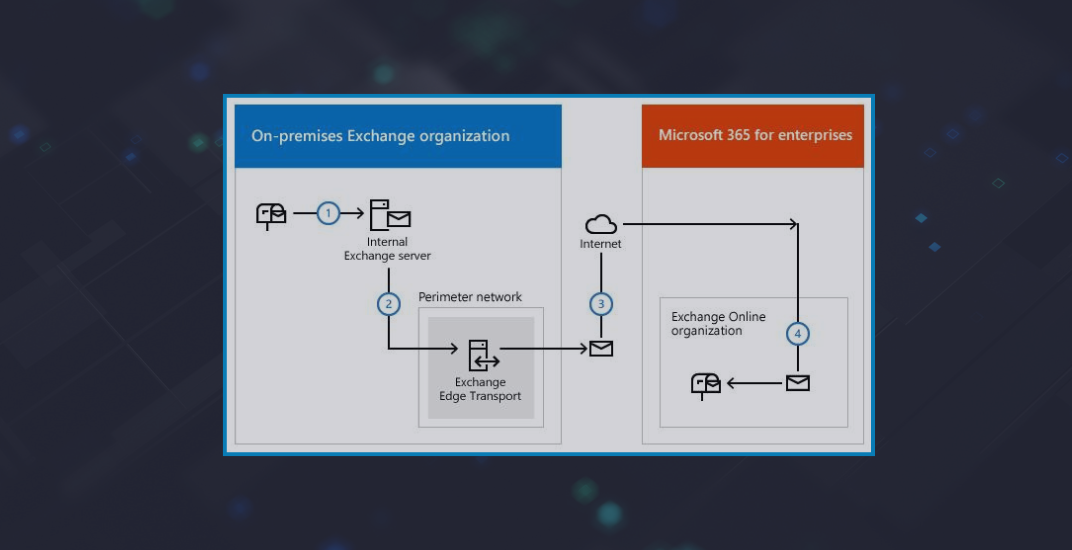
Transport rules are deeply embedded into modern Exchange operations. They handle compliance workflows, routing logic, disclaimers, journaling, encryption, and message inspection across both on-premises Exchange Server and Exchange Online.

One of the most dangerous assumptions in Exchange monitoring is that healthy infrastructure automatically means healthy user experience.
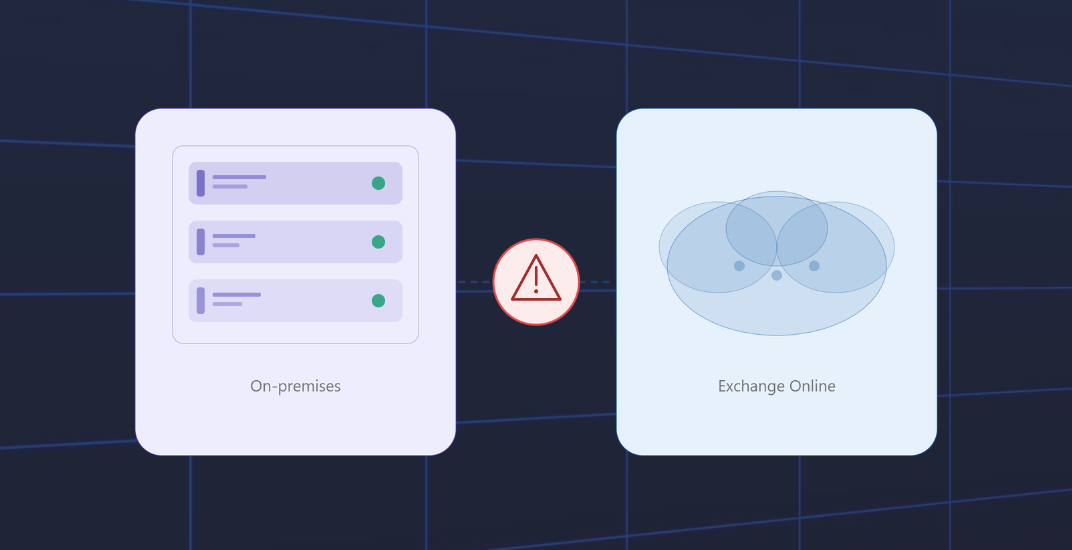
Hybrid Exchange environments are often treated as extensions of traditional Exchange Server deployments. Operationally, however, they behave very differently.
-1.png)
There’s a moment many Exchange admins know well: a call from the helpdesk, an upset team in finance, and the first question is “How long has this been going on?” The answer is usually uncomfortable because the problem existed long before anyone noticed.
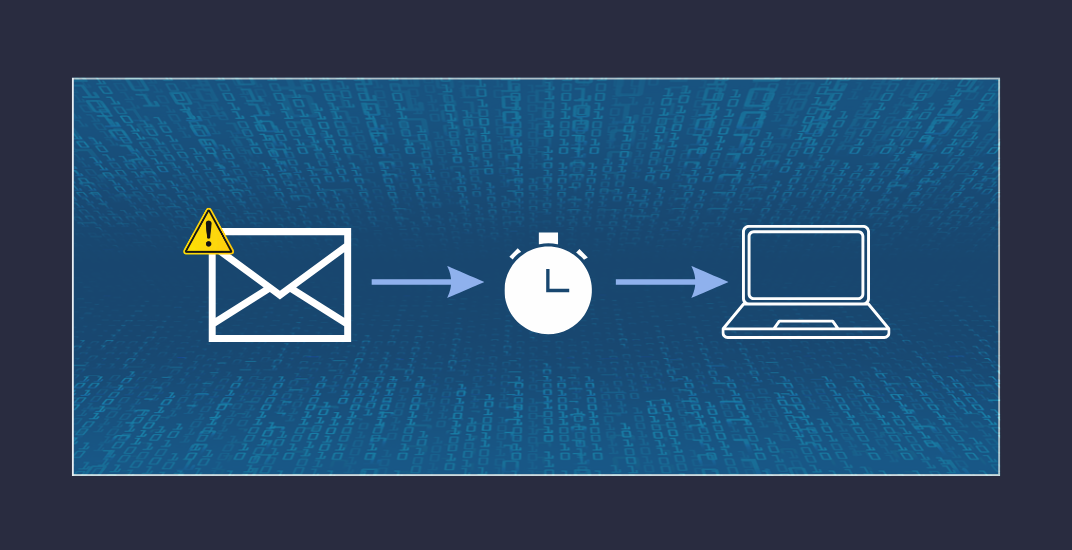
Mail flow appears operational, according to your Exchange server. There are no failed services, NDRs, or help desk tickets. However, someone in sales has been waiting twenty minutes for a reply that was sent out long ago. Even more critically, in trading or finance settings where emails are crucial for time-sensitive operations, messages are accumulating in queues that no one is monitoring.

Exchange Hybrid environments have come of age. What was once considered a transitional, temporary solution on the path to Microsoft 365 just a few years ago has become a permanent configuration for many organizations. It offers flexibility, control, and a fair share of complexity. This very complexity often leads to a common issue: visibility gaps. In simple terms, it means you are unaware of what you don’t see.

What a year we have had! Who would have thought at the beginning of 2025 that Exchange administrators would be sweating so much? Even though much of it could have been avoided.
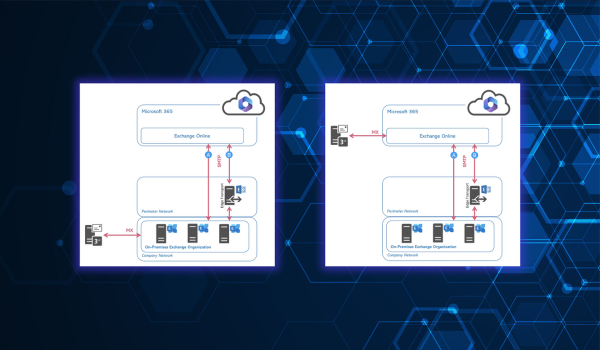
Centralized Mail Flow (also known as Centralized Mail Transport, CMT) is an option in Exchange hybrid environments whereby all outgoing Internet messages from mailboxes in Exchange Online are first routed through the local Exchange organization before being delivered to the Internet. Similarly, depending on the MX strategy, incoming Internet messages can first pass through the local environment before being delivered to cloud mailboxes. The goal is usually to continue applying central compliance, DLP, encryption, journaling, or gateway functions in the local infrastructure. As a rule, CMT is configured as part of the hybrid configuration using the Hybrid Configuration Wizard (HCW).