One of the most dangerous assumptions in Exchange monitoring is that healthy infrastructure automatically means healthy user experience.
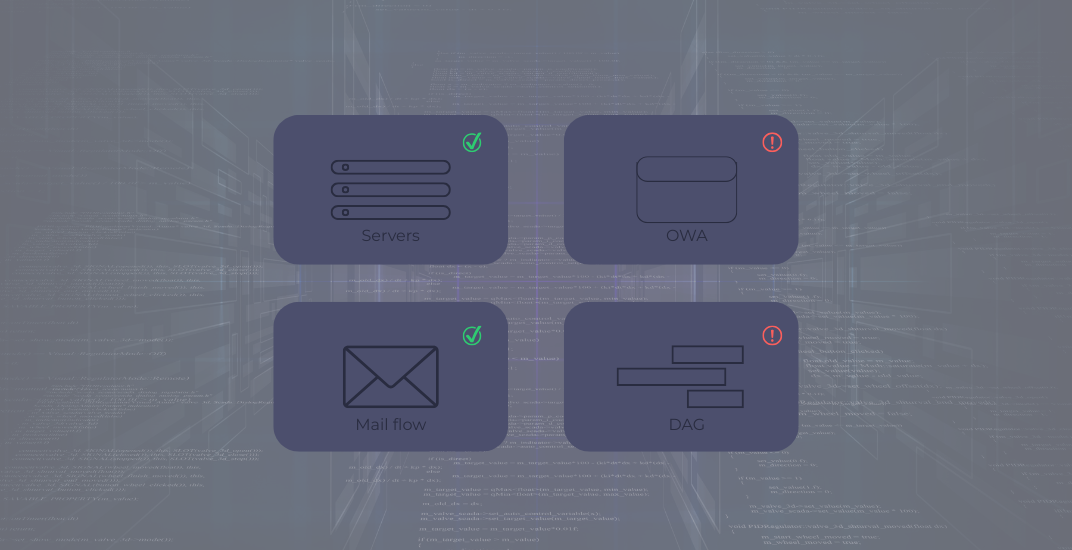
Servers respond to ping requests. Health sets remain green. Services appear operational.
And yet users still cannot authenticate, mail flow still stalls silently, and DAG failovers still expose hidden infrastructure weaknesses that were never visible during normal operations.
This is where traditional Exchange health monitoring often falls short: it validates components individually without validating the complete end-user experience.
[Note for readers: This article is part three of a four-part series. If you'd like to read from the beginning, you can head over to part 1: Monitoring Microsoft Exchange Is Not the Same as Monitoring User Experience.]
Blind Spot #5: Layer 7 and OWA - What’s Hidden Behind the HTTP 200
What Exchange Doesn’t See
Exchange Health Sets can report on many things. But not everything. And what they don’t report often concerns exactly what users experience every day.
OWA can appear fully healthy from Exchange’s internal monitoring perspective while remaining completely unusable for end users. The problem is that many user-facing failures happen outside Exchange itself:
- An expired TLS certificate on the load balancer
- A broken URL rewrite in the reverse proxy configuration
- A cookie issuance problem
- A broken redirect
All these sit above the layer that Exchange monitors itself.
An HTTP 200 Is Not a Successful User Experience
However, the key issue is that receiving an HTTP 200 response from an OWA URL does not confirm a successful login. Many monitoring systems only verify that the login page loads, but they don't test whether a user can actually authenticate. The real test, whether the user can log in, access the mailbox, or open the calendar, is often overlooked.
As discussed in Blind Spot #2, a functional test must always verify authentication. For OWA, this involves performing a synthetic login with a dedicated test account on a regular basis, mimicking the entire login process, such as the post-login redirect, mailbox load time, and functionality availability.
The key insight here is that no sensor surpasses the users themselves. The only reliable way to determine if Exchange is functioning properly from an end-user perspective is through a test that mimics the real usage experience: from login to mailbox interaction. OWA and client connectivity are critical, not optional. In many organizations, OWA serves as the main access point for mobile users, remote workers, or when the Outlook client isn’t available. A successful OWA login isn’t just a convenience; it’s often the last line of communication when other methods fail.
Blind Spot #6: Back Pressure, Queue Health, and the DAG Trap
Early Warning Signals Appear Before Mail Flow Fails
Back pressure serves as Exchange’s internal safeguard: when system resources such as memory, disk space, or CPU become limited, the server starts throttling or temporarily rejecting incoming connections. This prevents the server from collapsing uncontrollably, but to sending systems, it appears as a connection failure. Users and external senders do not see an immediate error message; their messages are just queued.
Early warning indicators signal an impending problem well before a service failure or an NDR occurs. These signals commonly include:
- rising transport queue lengths
- Increasing retry counts
- disk pressure on transport volumes
- elevated resource utilization
- sustained back-pressure events
Proactive monitoring of these metrics allows organizations to act swiftly, whereas waiting for user complaints means responding only after the issue has already occurred.
ENow introduced back-pressure monitoring in Exchange Monitoring 8.6, alerting administrators when resource constraints begin affecting Exchange transport services.
A DAG Failover Can Shift the Problem Instead of Solving It
An often-overlooked follow-up issue in DAG environments is that during a failover, another server assumes control of the database. The common assumption, usually invalid, is that all DAG members are configured identically.
In practice, that’s often not the case. Four physical and four virtual servers form an eight-member DAG, a configuration I see more often these days. The configuration documentation states: same CPU class, same RAM, same disk configuration. But a physical server with local NVMe storage and a virtual server with a shared storage backend are not equivalent. Even if the numbers on paper look identical. Under load, during parallel database activations, or in a multi-server failover, these differences become apparent.
Then there are more subtle divergences:
- Different driver versions
- Varying OS patch levels
- Differing workload pressures on virtualized systems from other tenants
A DAG is only as strong as its weakest member. And a failover into an unprepared configuration doesn’t solve the original problem; it relocates it.
For monitoring purposes, it's essential to continuously gather and compare back-pressure metrics and queue health across all DAG members, not only the active system. Differences between servers can indicate early signs of imbalance during failover. Additionally, it is risky to neglect verifying that the server handling the load after an unplanned failover is performing adequately under its new workload.
Conclusion
Infrastructure availability and application functionality are not the same thing.
An HTTP 200 response does not confirm successful mailbox access. A successful DAG failover does not guarantee the destination server can sustain production load. And a healthy Exchange service does not guarantee users are actually productive.
Modern Exchange monitoring must validate functionality from the user’s perspective while also monitoring the underlying operational conditions that eventually lead to outages.
Synthetic login testing, protocol-level validation, queue monitoring, and proactive back-pressure visibility help organizations identify issues before users become the monitoring system themselves.
ENow helps organizations monitor Exchange Server, Exchange Online, and hybrid Exchange environments through a single monitoring and reporting platform. Synthetic transactions, proactive alerting, OWA and Outlook connectivity testing, queue monitoring, and deep protocol-level validation help IT teams identify user-impacting issues long before they become service desk tickets or business disruptions.
In the next article, we’ll examine how transport rules, third-party mail agents, and unsupported hybrid routing configurations create some of the most difficult Exchange mail flow problems to troubleshoot, and why some of the biggest mail flow risks have nothing to do with Exchange itself.




-1.png?height=175&name=Part%201%20Why%20Exchange%20Monitoring%20Fails%20Before%20Users%20Notice%20(1)-1.png)