Why Subscription Licensing Does Not Guarantee Compliance in Microsoft 365

How tenant-wide features create hidden audit exposure in Microsoft 365 and why visibility is essential for staying compliant.

Posts about:

How tenant-wide features create hidden audit exposure in Microsoft 365 and why visibility is essential for staying compliant.

A hands-on guide to controlling costs for Microsoft’s most expensive add-on licenses through structured governance and license lifecycle management.

Why organizations overspend on Project, Visio, and other premium M365 add-ons, and how better governance turns licensing chaos into predictable savings

For many small and mid-sized organizations, Microsoft 365 licensing has always been a balancing act. Businesses want enterprise-level protection and collaboration without paying for features they do not use.
Renewing your Microsoft Enterprise Agreement (EA) is not just a licensing task, it’s a multimillion-dollar business decision that can shape your IT roadmap, budget posture, and cloud strategy for the next three years. With Microsoft tightening true-down flexibility under the Microsoft Customer Agreement (MCA) model and evolving discount behavior tied to its fiscal year, the difference between a routine renewal and a strategic one can be six or seven figures in savings. This model has further complicated renewals, altering discount structures, cost reporting, and Software Assurance (SA) terms.
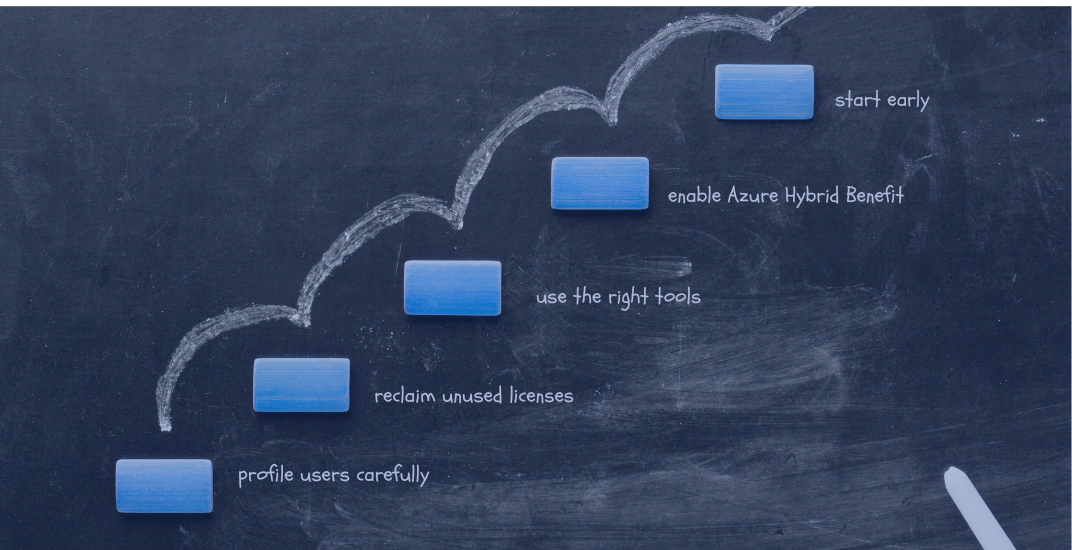
Microsoft 365 and Azure licensing renewals are among the most high-stakes negotiations that IT and procurement teams face. A poorly timed or unoptimized renewal can lock your organization into three more years of overspend, redundant features, or wasted cloud commitments. While EA terms are typically three years, MCA/CSP commitments and true-up timelines differ. Guidance below applies broadly, with notes where EA/MCA/CSP vary.
.png)
Renewing a Microsoft Enterprise Agreement (EA) is one of the most significant technology purchasing events for organizations. With stakes running into the millions, the way IT and Procurement teams collaborate can make or break the outcome. Too often, companies fall into the trap of working in silos, resulting in over-licensing, wasted spending, and inflexible commitments that weigh on budgets for years. In this blog, we’ll explore how Procurement and IT collaboration, during EA renewals, can prevent overspending and ensure every dollar delivers value.
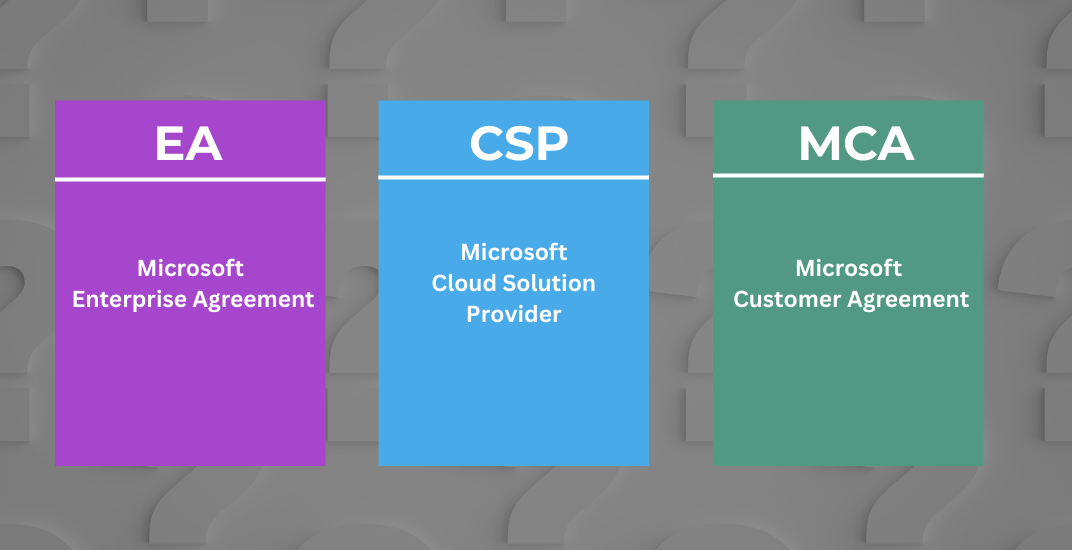
When your Microsoft agreement is up for renewal, you face more than just a contract choice. You’re making a strategic decision that affects cost allocation, reporting, flexibility, and your cloud roadmap for the next 3+ years.
.png)
Beginning November 1, 2025, Microsoft will introduce a significant update to its commercial pricing strategy in what Microsoft calls its largest Microsoft Online Services pricing update since the introduction of single starting prices in 2023. This change will directly impact how organizations budget, renew, and negotiate Enterprise Agreements.
.png)
Renewing your Microsoft Enterprise Agreement (EA) used to be a fairly predictable process. However, As ofJan 2025, Microsoft is actively forcing an EA transition to MCA. With the introduction of the Microsoft Customer Agreement (MCA) and ongoing changes to how licenses, Azure spend, and reporting are handled, the stakes are much higher. A rushed or incomplete review can lock your organization into unnecessary costs, eliminate true-down flexibility, and make future budgeting a nightmare.